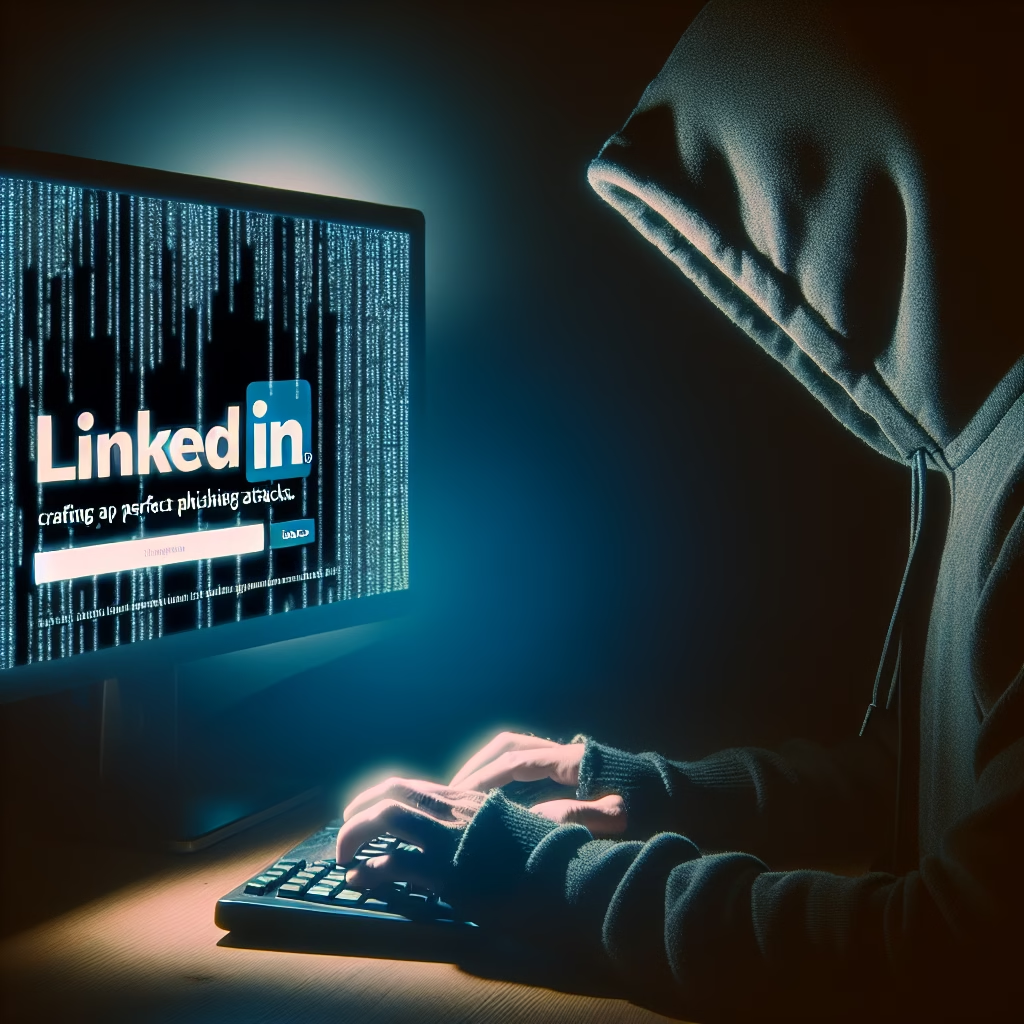
Imagine receiving a LinkedIn message from a senior executive at your company, complete with the correct job title, profile picture and shared connections. You click the link—only to find your credentials compromised. This scenario is increasingly common as cybercriminals leverage LinkedIn and OSINT to launch highly targeted, believable phishing campaigns. In this article, we’ll dissect how hackers exploit professional networks, reveal real-world examples, and share actionable steps to defend your organization—featuring PhishDef’s robust solution.
Why LinkedIn Is a Gold Mine for Phishing
Over 900 million professionals use LinkedIn, making it the world’s largest online business network. Cybercriminals favor it because:
- Rich Profile Data: Job titles, work history, education and endorsements provide deep context for social engineering.
- Trust Factor: Users expect messages from colleagues or industry peers—lowering suspicion.
- Network Visibility: Mutual connections and group memberships help attackers craft credible introductions.
According to the Verizon Data Breach Investigations Report, 36% of data breaches involve social engineering tactics like phishing.
How Hackers Gather OSINT on LinkedIn
Before sending the first message, attackers perform extensive open-source intelligence (OSINT) collection.
1. Identifying High-Value Targets
- Leadership Roles: CEOs, CFOs and HR managers control budgets and sensitive data.
- Supply-Chain Contacts: Vendors and partners often have elevated access to your network.
- Recent Hires: New employees are less aware of company policies and more likely to click unfamiliar links.
2. Automated Tools and Manual Reconnaissance
- OSINT Frameworks: Tools like Maltego and SpiderFoot scan public profiles, extracting emails and phone numbers.
- Browser Extensions: Extensions such as Lusha or Hunter.io can scrape work emails directly from LinkedIn pages.
- Group & Event Analysis: Joining the same LinkedIn groups reveals employees’ roles, project names and shared interests.
3. Building a Target Profile
Combining data points creates a detailed victim persona:
- Full name, job title and reporting structure
- Recent posts and comments—highlighting pain points or upcoming projects
- Mutual connections and endorsements to emulate in phishing messages
Crafting the Perfect LinkedIn Phishing Attack
Armed with OSINT, attackers execute highly convincing phishing campaigns on LinkedIn.
Social Engineering Tactics
- Connection Request: Fake profiles mirror company branding, complete with logo and employee testimonials.
- Warm-Up Messages: Casual conversation referencing a recent post or mutual contact builds rapport.
- Phishing Payload: A link disguised as a PDF invoice, HR form or project update directs victims to a credential-harvesting page.
Message Templates & Personalization
Below is a generic outline attackers adapt per target:
- Subject: “Follow-up on Q3 budget planning”
- Greeting: “Hi [First Name], thanks for connecting—saw your comment on our finance group.”
- Hook: “We need your approval on this amended budget sheet. Please review here: [link].”
- Signature: “Best, [Executive Name], [Title] at [Company]”
Real-World Case Study: Spear-Phishing via LinkedIn
In 2020, a global law firm reported a credential compromise after partners received LinkedIn messages appearing to come from the firm’s CIO. Here’s how it unfolded:
- OSINT Collection: Attackers scraped public partner profiles, learning their case specialties and recent publications.
- Custom Profile: They created a LinkedIn account mirroring the CIO, including a cloned profile picture and shared connections.
- Spear-Phishing Message: Victims received an “urgent” request to review a document in SharePoint. The link led to a fake Microsoft login page.
- Impact: 12 partners entered credentials, leading to unauthorized access to confidential case files.
This breach underscores how professional networks magnify the risk of phishing.
Protecting Your Organization from LinkedIn Phishing
Mitigating LinkedIn-based attacks requires a multi-layered defense strategy combining technology, process and user education.
1. Strengthen Technical Defenses
- Deploy a dedicated anti-phishing platform like PhishDef to simulate attacks and filter malicious messages.
- Enable multi-factor authentication (MFA) on all corporate accounts, including LinkedIn.
- Use email and URL filtering to block known threat domains and phishing URLs.
2. Implement OSINT Monitoring
Continuously scan public profiles for exposed company-sensitive information:
- Automated alerts for new employees sharing corporate email patterns
- Dashboard tracking high-risk groups, titles or geographies
3. Train Employees with Realistic Simulations
- Run regular LinkedIn phishing tests via PhishDef’s platform to measure click rates and awareness.
- Provide on-the-spot training to those who fall for simulations.
- Share quarterly reports with leadership to highlight trends and remediation progress.
4. Develop Clear Policies & Incident Response Playbooks
- Define acceptable use of professional networks in your information security policy.
- Outline escalation procedures if an employee suspects a phishing message.
- Maintain a centralized incident response team to analyze and mitigate threats.
Key Takeaways
- LinkedIn’s rich OSINT data makes it a preferred vector for targeted phishing.
- Attackers leverage social engineering tactics—warm-up messages, cloned profiles and customized hooks—to maximize success.
- Real-world breaches demonstrate the high stakes of compromised corporate accounts.
- A layered defense—technical controls, continuous OSINT monitoring and employee training—is essential.
- PhishDef offers specialized simulations and threat filtering to harden your organization against LinkedIn-based phishing.
Call to Action
Don’t let your professional network become a liability. Strengthen your defenses against LinkedIn phishing with PhishDef’s comprehensive anti-phishing platform. Start your free trial today and empower your team with the tools they need to spot and stop sophisticated social engineering attacks.