Introduction
Every day, millions of packages move through the United Parcel Service (UPS) network. Cybercriminals are exploiting this volume to launch ups phishing emails that trick recipients into clicking malicious links or disclosing sensitive data. In this article, you’ll learn how to spot phishing ups scams, protect yourself and your organization with actionable prevention tips, and discover how PhishDef can add an extra layer of security to your defenses.
What Is UPS Phishing?
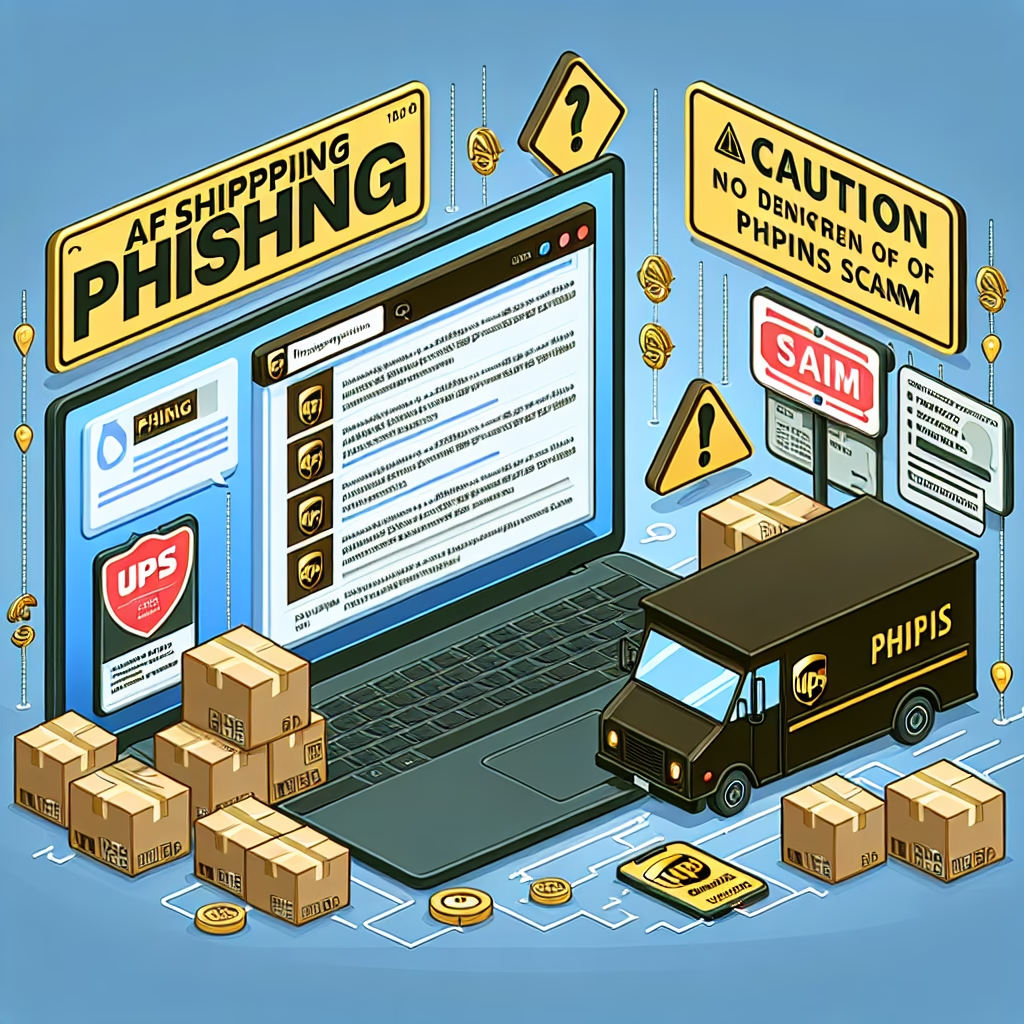
Phishing is a type of social engineering attack where scammers pose as a trusted entity to steal credentials, financial information or deliver malware. A UPS package scam typically arrives as an email, SMS or even a voice call falsely claiming there’s an issue with your shipment. The goal is to get you to click a malicious link, download a harmful attachment or enter personal data on a spoofed site.
How Scammers Operate
- Email spoofing: Using fake sender addresses like “no-reply@ups-shipping.com” that look nearly identical to legitimate UPS domains.
- Urgent language: “Your package delivery failed—click here to reschedule or pay additional fees now.”
- Malicious attachments: ZIP or PDF files that install keyloggers or ransomware when opened.
- Link manipulation: Redirecting to look-alike URLs such as “ups-trackingsupport.com” instead of ups.com.
- SMS phishing (smishing): Text messages claiming “UPS delivery attempt” with a suspicious link.
- Voice phishing (vishing): Automated calls instructing victims to call back a number that requests payment information.
Real-World Examples and Statistics
According to the FBI’s Internet Crime Complaint Center (IC3), 2022 saw over 100,000 reports of shipping and delivery scams, resulting in losses exceeding $54 million. The CISA warns that business email compromise (BEC) attacks often begin with a simple UPS-style phishing message.
In one notable 2023 case, an employee at a mid-sized manufacturing firm clicked a malicious link in a “shipment issue” email. Attackers gained network access, encrypted files and demanded a $250,000 ransom. The incident halted operations for three days and cost over $500,000 in recovery expenses.
Key Indicators of UPS Phishing Emails
Spotting a fake UPS notice saves you time and protects you from identity theft or financial loss. Look for these red flags:
- Sender email address mismatch: Legitimate UPS messages come from “@ups.com.” Anything else—especially with hyphens or extra words—is suspect.
- Unexpected fees or invoices: UPS rarely asks for payment via email; most billing is handled through UPS MyChoice® or your business account portal.
- Generic greetings: “Dear Customer” instead of your name or account number.
- Poor grammar and spelling errors: Typos, awkward phrasing or inconsistent punctuation.
- Suspicious links and domain names: Hover over any link before clicking. If the URL doesn’t start with “https://www.ups.com” or an official UPS subdomain, avoid it.
- Urgency and threats: Words like “immediate action required” or “your account will be suspended.”
Step-by-Step Guide: Preventing UPS Phishing Scams
- Verify sender details:
- Check the “From” address carefully—real UPS emails come from “@ups.com.”
- Search the domain on WHOIS (https://lookup.icann.org) if you suspect spoofing.
- Inspect links before clicking:
- Hover your mouse over the link to view the real URL.
- Type the known UPS tracking page (ups.com/track) directly into your browser instead of using the email link.
- Use strong endpoint protection:
- Keep your OS and antivirus software up to date.
- Enable real-time scanning and email filters to quarantine suspicious messages.
- Train users and employees:
- Conduct quarterly phishing drills using realistic UPS-style templates.
- Review results and offer targeted coaching to staff who click test links.
- Implement multi-factor authentication (MFA):
- Require MFA for all corporate email and shipping portal access.
- Use hardware tokens or authenticator apps to reduce SMS-based vulnerabilities.
- Verify by phone when in doubt:
- Call UPS customer service at 1-800-PICK-UPS (1-800-742-5877) to confirm any unusual requests.
- Avoid phone numbers provided in unsolicited emails or texts.
How PhishDef Enhances Your Security Posture
PhishDef’s advanced anti-phishing platform proactively identifies and blocks UPS-style phishing attempts before they hit your inbox. Key features include:
- Real-time email scanning: AI-driven heuristics spot suspicious attachments and URLs instantly.
- Domain impersonation detection: Flags look-alike domains that try to mimic ups.com.
- User training modules: Simulated phishing campaigns tailored to shipping scenarios.
- Detailed analytics and reporting: Visibility into click rates, high-risk users and attack trends.
- Seamless integration: Works with Microsoft 365, Google Workspace and major on-premise mail servers.
By combining technical defenses with user education, PhishDef reduces click-through rates by up to 85%, according to our internal benchmarking.
Additional Best Practices
- Maintain an incident response plan: Define roles, escalation paths and communication templates for phishing events.
- Review email gateway logs: Look for spikes in bounce-backs, quarantined messages or unusual sending patterns.
- Stay informed on threat intelligence: Subscribe to UPS security advisories and the CISA Alerts.
- Enforce least-privilege access: Limit user permissions for downloading attachments or installing software.
Key Takeaways
- UPS phishing emails pose a serious risk, with millions lost annually.
- Look for mismatched senders, generic greetings, urgent language and suspicious links.
- Follow a step-by-step prevention plan: verify senders, inspect URLs, update software, train users and enable MFA.
- PhishDef offers real-time email scanning, domain detection and user training to block scams before they strike.
- Combine technical controls with user awareness to achieve defense-in-depth.
Take Action Today
Don’t wait until your organization becomes the next headline. Strengthen your email security with PhishDef’s proven anti-phishing platform. Sign up for a free trial and start blocking UPS package scams before they reach your team’s inbox.